Article6 min read13 Oct 2026
How to keep an AI character consistent across shots
A tool-neutral method for keeping one AI character recognisable from clip to clip: a character pack, start frames, short shots and edits that hide drift.
By AIcineverse editors ·
To keep an AI character the same from shot to shot, stop describing the character and start showing it. Make a small set of reference images once, build every shot's start frame from that set, keep clips short, and cut before the face has time to change. A video model has no memory of your character: it rebuilds the person from whatever each generation is given, so the work is to give it the same thing every time.
This guide sets out that method without tying it to one tool, then covers what to do when a face drifts anyway.
Why does an AI character change from clip to clip?
Every generation is a new start. A text prompt such as “a woman in her thirties with short red hair” fits thousands of different faces, and the model picks another one each time. Even with an image as the starting point, the model has to invent whatever the image does not show: the back of the head, the profile, the hands, how the coat hangs when she turns.
Three things make it worse:
- Long clips. The further a clip runs from its first frame, the more the model has made up.
- Large changes of angle. A cut from a front view to a profile asks for a side of the face the model has never seen.
- Changing words. If the description of the character differs between prompts, the model reads it as a different person.
The method below removes these one at a time.
Build a character pack before any video
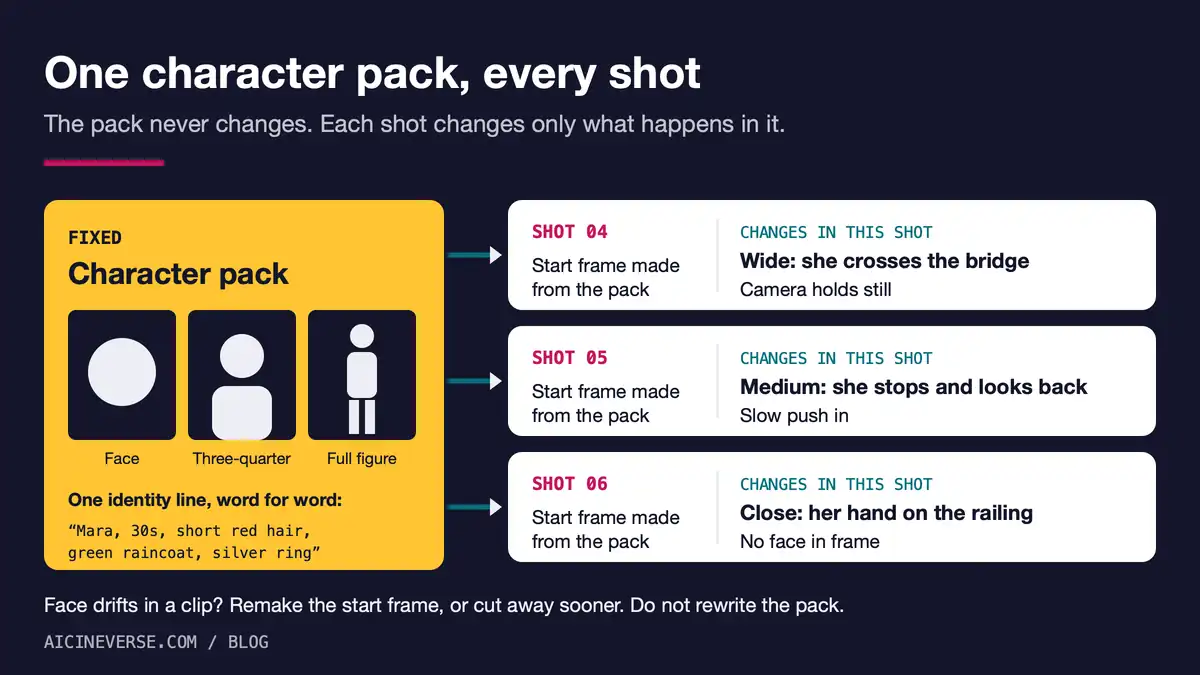
A character pack is a handful of still images and one line of text that you reuse unchanged for the whole film.
- Design the character in an image generator, not a video generator. Stills are quicker to make and to reject.
- Make three views of the same person: a close-up of the face, a three-quarter view from the waist up, and the full figure. Use plain, even light and a plain background, so the model learns the person and not the scene.
- Give the character something easy to recognise: a coat in one strong colour, a distinctive haircut, a scar, glasses. Viewers recognise a silhouette and a costume before they recognise a face, and so does the model.
- Write one identity line of ten to fifteen words: name, rough age, hair, clothes, one detail. Paste it word for word into every prompt. Never rephrase it.
- Freeze the pack. Save the files with clear names and do not regenerate them halfway through the film, even if a later image looks a little better.
One character is hard enough. For a first film, give the pack to one lead and keep other people in the background, in silhouette or out of frame.
Start every shot from an image, not from text
There are two ways to hand the pack to a video model, and most current tools offer at least one.
Start frames. Generate a still for each shot with the character reference attached, check that it is the right person, and animate that still. The video prompt then describes only the movement and the camera. This is the image-first workflow from our plan for a first AI short film, and it works with any generator that accepts a starting image.
Reference images. Some models take the pack directly. Google's announcement of Veo 3.1 says the model accepts up to three reference images of a character, object or scene, and can also generate a clip between a given first and last frame. Runway says of its Gen-4 model that it keeps a character consistent from a single reference image across lighting conditions and locations. Both are the makers' own descriptions, read in October 2026; test them on your character before you plan a film around them.
Whichever you use, check the start frame against the pack before you spend a video generation on it. A wrong face in the still will be a wrong face for the whole clip.
Change one thing per shot
Hold everything else still. The same identity line, the same style sentence, the same kind of light. Between one shot and the next, change the action, the camera or the place, and preferably not all three.
| Keep fixed | Change freely |
|---|---|
| Identity line, word for word | What the character does |
| Costume and hair | Shot size: wide, medium, close |
| Style sentence (film stock, palette) | Location, once per scene |
| Kind of light within a scene | Camera movement |
Keep clips to the few seconds the shot needs, and ask for one action in each. If a model lets you extend a clip, treat every extension as a fresh chance to drift and check the face again at the end.
What to do when the face drifts anyway
It will. Perfect identity across a whole film is still not something any tool guarantees, so plan for repairs.
- Trim. Drift usually grows towards the end of a clip. Use the first two or three seconds and cut.
- Remake the still, not the prompt. If a shot fails three times, the start frame is the problem. Go back one stage.
- Bridge with a first and last frame. Where the tool supports it, give the model an approved frame at both ends so it has less to invent.
- Shoot around the face. Hands, the back of a coat, a silhouette in a doorway, a wide shot in rain: real films use these all the time, and none of them needs a matching face.
- Cut on a change. A drift that is obvious across a straight cut is much harder to notice after a cut to another place, a different shot size or a different time of day.
- Grade everything together. One colour grade over the whole film removes small differences in skin tone and contrast that read as “a different person”.
How films in the catalogue handle it
The films in the AIcineverse catalogue show three different answers, and only one of them is “generate harder”.
-
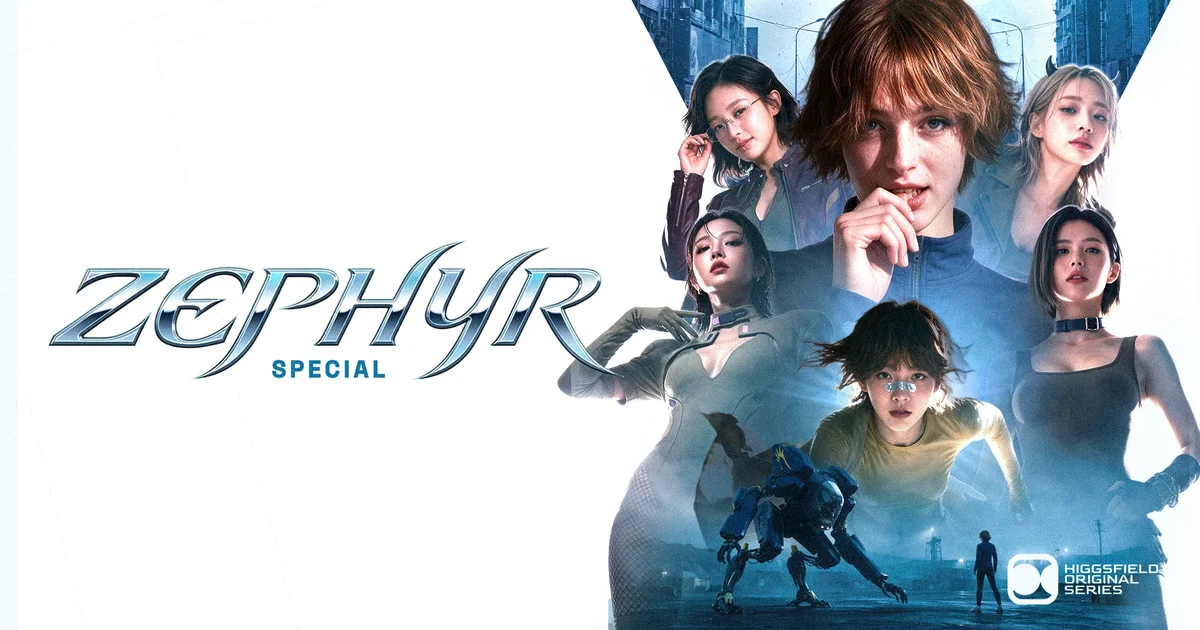
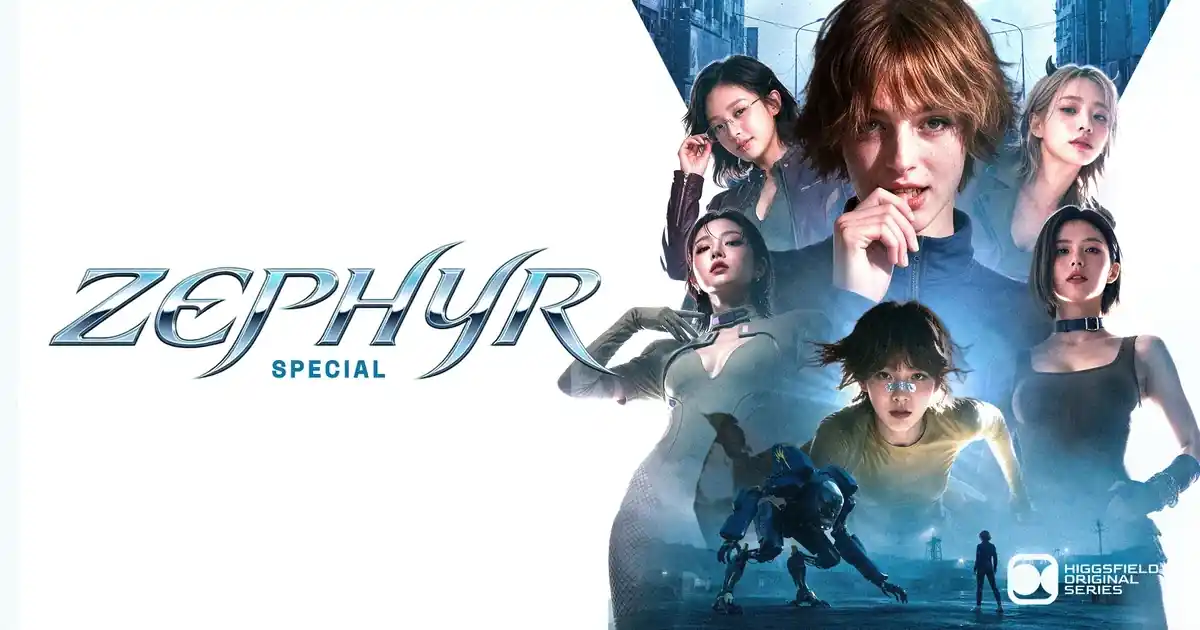
ZEPHYR: Special
Higgsfield Studio · 2026
Action · Adventure
Series episode, 5 min 8 sec.
-
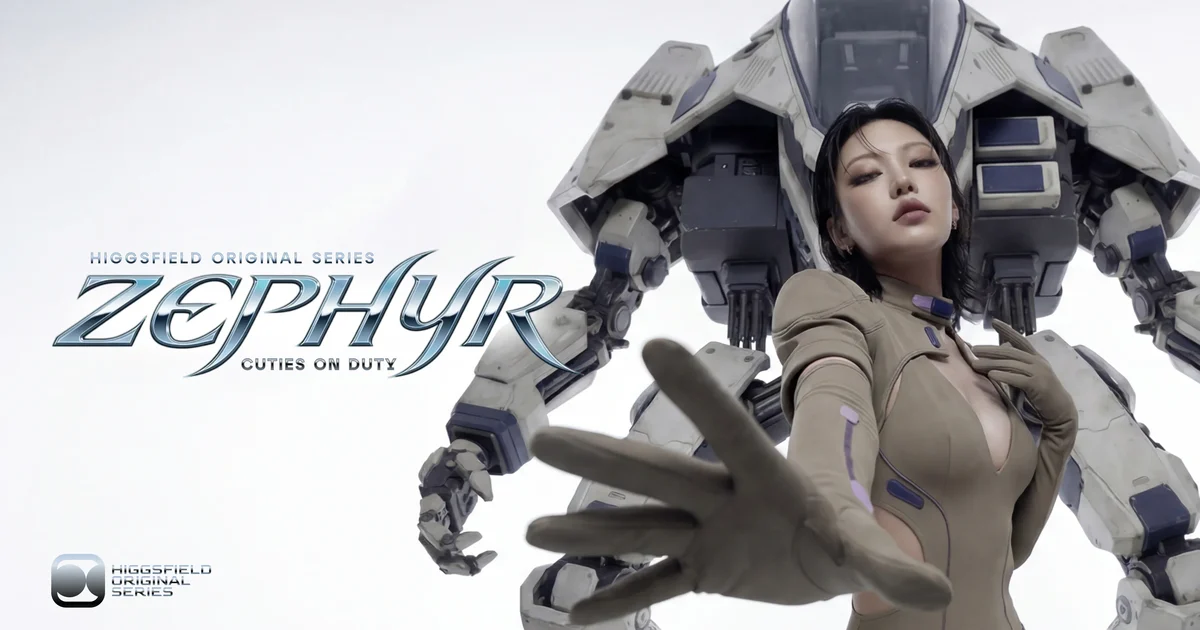
ZEPHYR — Episode 1
Ilya Karchin · Higgsfield Studio · 2026
Action · Adventure
Series episode, 10 min 49 sec, English.
-
KITSUNE
Henry Daubrez · 2025
Fantasy · Romance
Short film, 5 min 3 sec.
-
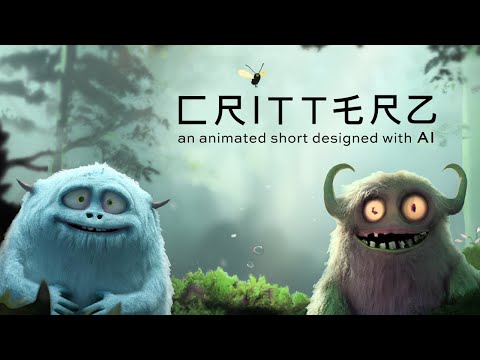
Critterz
Chad Nelson · Native Foreign · 2023
Comedy
Short film, 5 min, English.
-

犬と少年 (The Dog & The Boy)
Ryotaro Makihara · Netflix Anime Creators' Base, WIT Studio, rinna · 2023
Drama · Sci-fi
Short film, 3 min 35 sec.
- References first. The page for ZEPHYR: Special cites the studio's production breakdown, which describes generating character references before the action shots. Series depend on this most of all, because the cast has to return next episode; the series episodes in the catalogue are the place to see it at length.
- Volume and selection. KITSUNE is the work of one creator, who writes that every shot was generated from text with Veo 2. As we note in our piece on AI-generated and AI-assisted films, its five minutes were chosen from thousands of generations. Its two-dimensional, drawn look helps: a stylised face tolerates small differences that a photographic one does not.
- Keep AI away from the moving character. In Critterz the characters were designed with DALL·E and then animated by a production team. In The Dog & The Boy the characters are hand-animated and AI made the background art. If consistency matters more to you than full generation, this route is open.
Common questions
Can I keep a character consistent with text prompts alone?
Not reliably. Words describe a type of person, and the model chooses a new example of the type each time. A fixed identity line helps, but only alongside an image.
How many reference images do I need?
Three good ones are enough to start: face, three-quarter and full figure. More helps only if they agree with each other. Ten images of slightly different faces teach the model that the face is allowed to vary.
Do I need to train a custom model of my character?
For a short film made in hosted tools, usually not: start frames and reference images cover it. Training a small add-on model of one character is a route for people who run open models themselves and need the same character across a long project. It takes more time and more technical work.
How do I keep two characters consistent in the same shot?
Make a separate pack for each, and build the start frame as a still first, because image tools place two known people more reliably than video tools do. Give them clearly different silhouettes and colours. When a two-shot keeps failing, cut between two single shots instead.
Can I use a real person as my character?
Only with that person's consent. Using someone's face or voice without it can break platform rules and, depending on where you live, the law. This is general information, not legal advice.