Article7 min read6 Oct 2026
How to make your first AI short film: a beginner's plan
A plain plan for a first AI short film: how long to make it, the five stages from script to edit, which tools do what, and the mistakes that waste time.
By AIcineverse editors ·
Make your first AI short film one to two minutes long, tell it with a narrator instead of on-screen dialogue, and build it in five stages: a one-page script with a shot list, a still image for every shot, video clips animated from those stills, sound, and the edit. The order matters more than the choice of tools. Decisions are quick to change on paper and in stills, and slow to change once you are generating video.
The rest of this guide goes through each stage, with numbers to plan around and the mistakes that cost beginners the most time.
How long should a first AI short film be?
Aim for 60 to 120 seconds. Video models produce a few seconds at a time: Google's prompting guide for Veo 3.1, for example, lists clips of 4, 6 or 8 seconds (as of October 2026). A film is therefore many short clips cut together, and every extra minute adds a dozen more shots that all have to match.
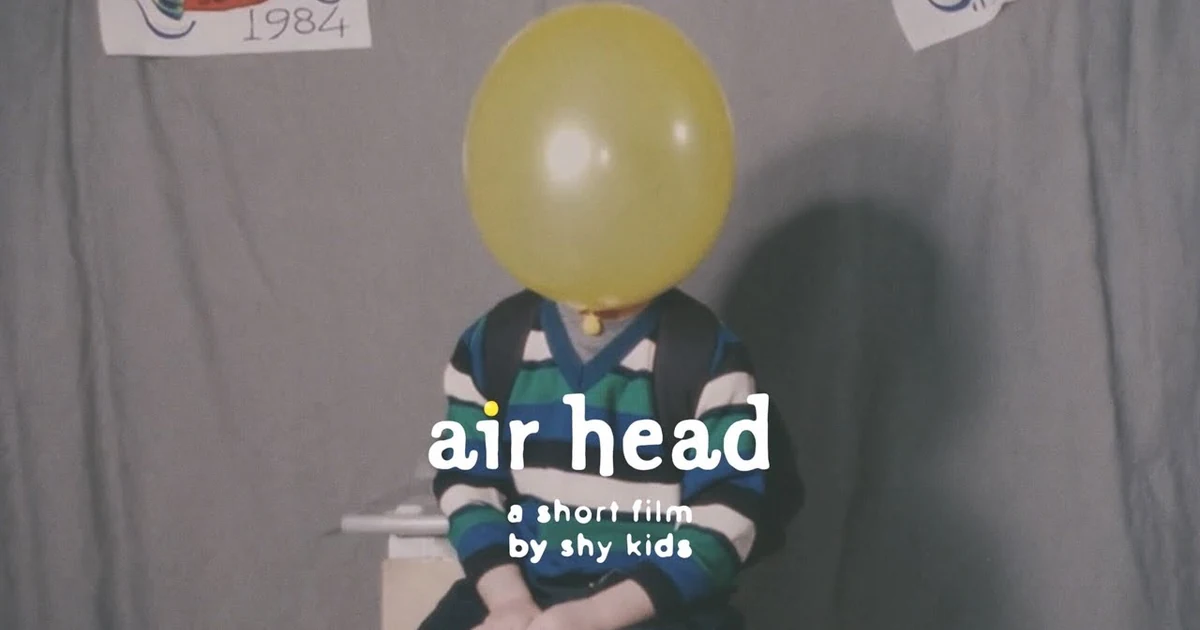
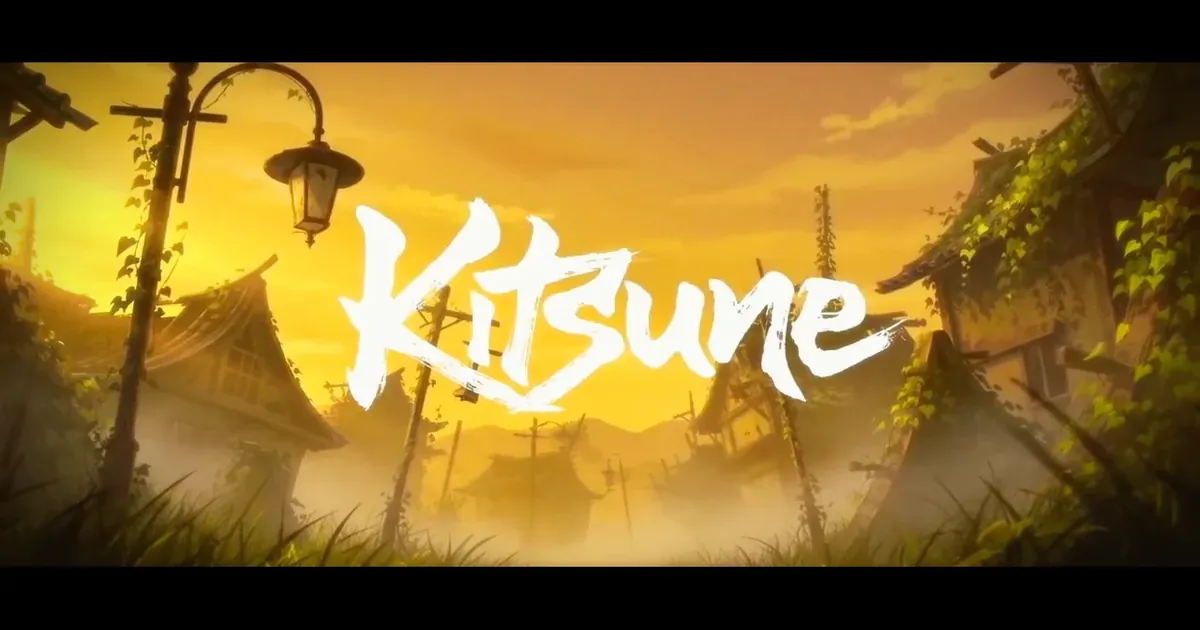
Short is also normal. In the AIcineverse catalogue, air head runs 1:22, Thank You For Not Answering 2:25 and the concept trailer Genesis 0:49. KITSUNE, the work of a solo creator, runs 5:03.
-
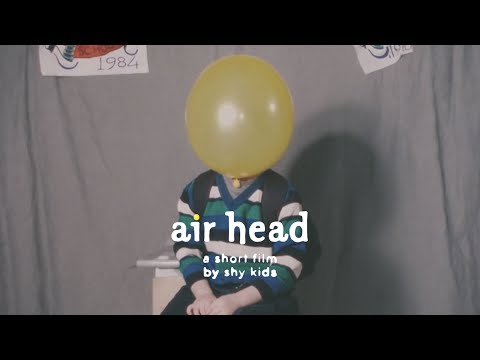
air head
shy kids · 2024
Comedy
Short film, 1 min 22 sec, English.
-
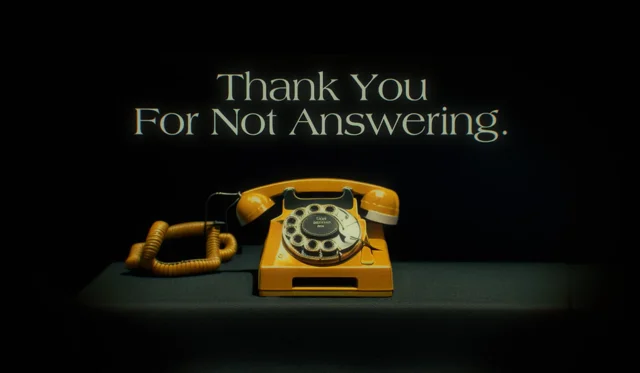
Thank You For Not Answering
Paul Trillo · 2023
Drama
Short film, 2 min 25 sec, English.
-
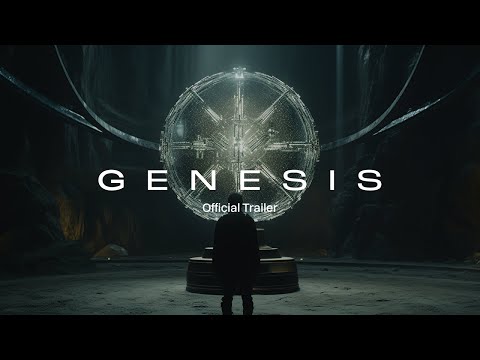
Genesis: Official Trailer
Nicolas Neubert · 2023
Sci-fi
Trailer or teaser, 49 sec.
-
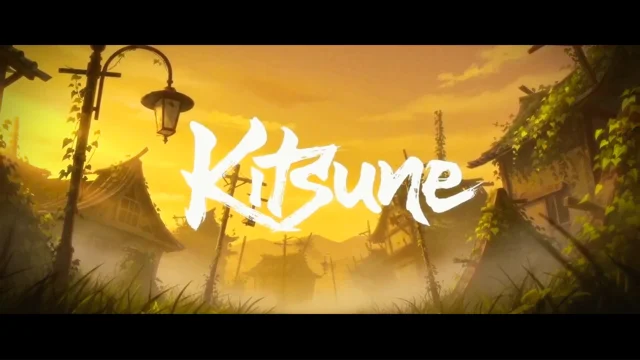
KITSUNE
Henry Daubrez · 2025
Fantasy · Romance
Short film, 5 min 3 sec.
Two of these, air head and Thank You For Not Answering, are narrated: a voice carries the story while the pictures illustrate it. Copy that structure for a first film. You avoid matching lips to speech, which is one of the harder things to get right, and you can reorder or replace any shot without breaking a conversation.
Before you write anything, watch a few. Browse the films under two minutes to see how much that length can hold, or start with our pick of seven AI short films under five minutes.
What do you need to make an AI short film?
One tool for each of five jobs. The names are examples; one per row is enough.
| Job | Kind of tool | Examples |
|---|---|---|
| Script and shot list | Text editor, with a chat assistant if you want help drafting | Any |
| Still images | Image generator | Midjourney, Flux, Adobe Firefly |
| Video clips | Video generator that accepts a starting image | Veo, Runway, Kling, Luma |
| Voice and music | Voice and music generators, or your own recording | ElevenLabs, Suno, a microphone |
| Edit | Video editor | DaVinci Resolve, CapCut, Premiere Pro |
The hosted tools run in a browser, so an ordinary laptop is enough. Most are sold as monthly plans with a usage allowance, and both prices and limits change often. Check each tool's price page on the day, and start with one month, not a year.
The five stages of an AI short film
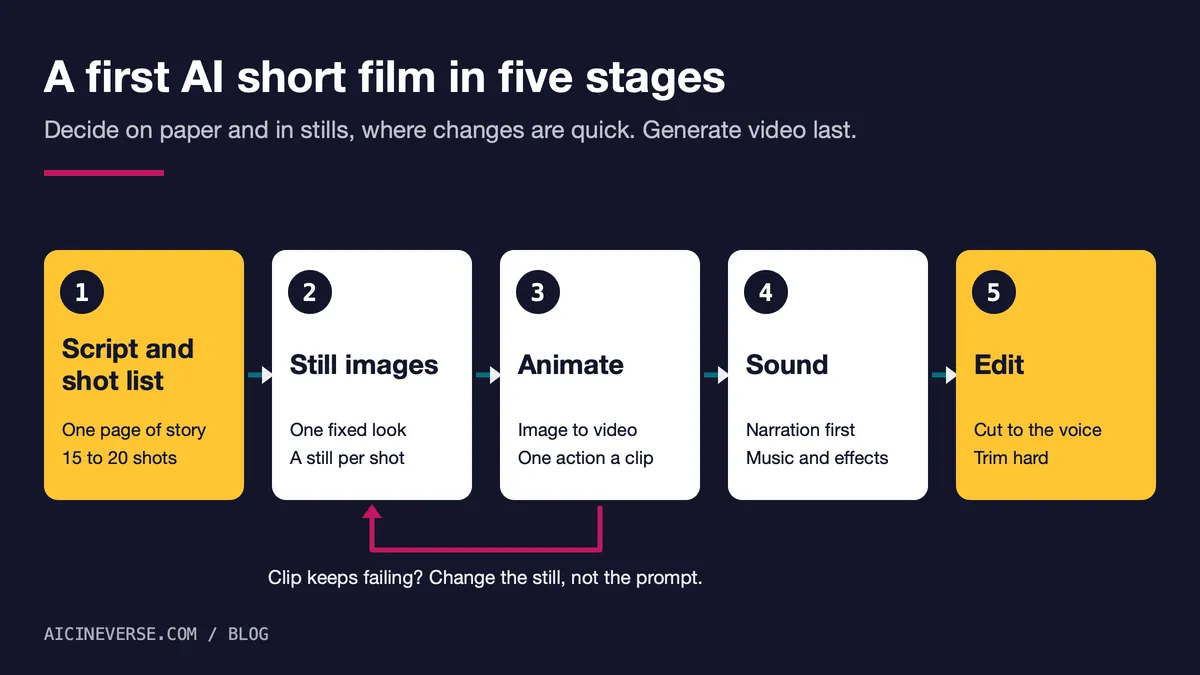
1. Write one page and a shot list
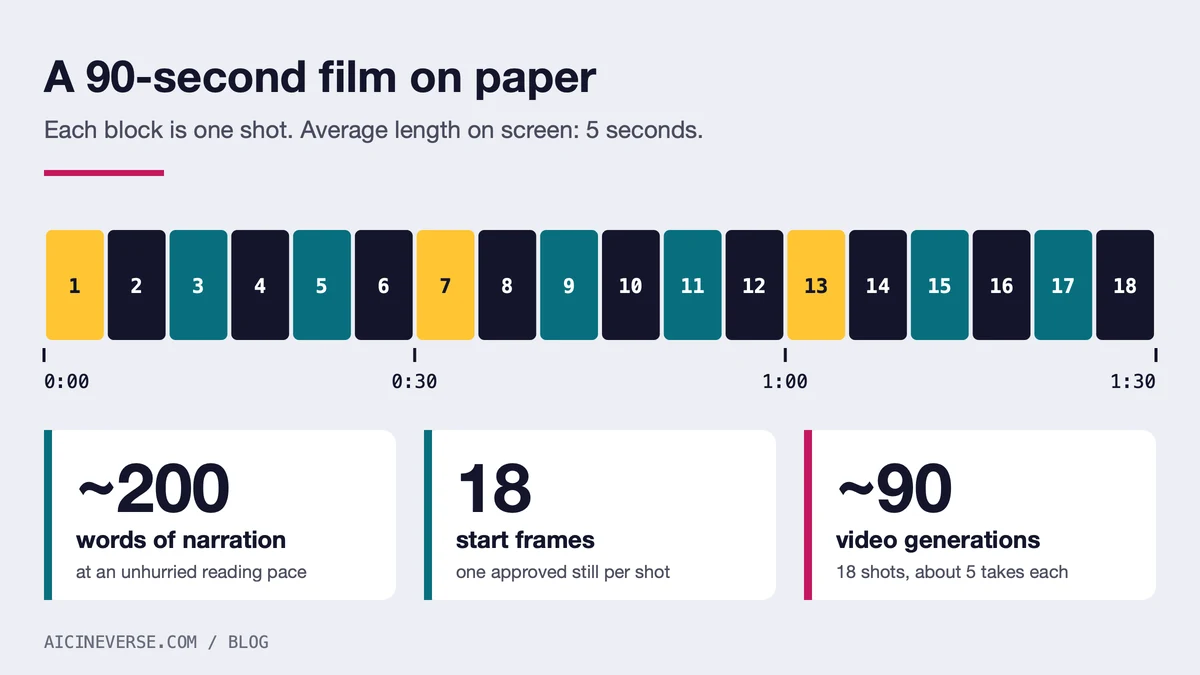
Write the story as narration first. A narrator reads about 130 to 150 words a minute, so 90 seconds is roughly 200 words. Then break it into numbered shots. At an average of five seconds a shot, 90 seconds is 18 shots.
For each shot, write one line: who or what is in the frame, what happens, how close the camera is, and whether it moves. One thing happens per shot. “She opens the letter” is a shot. “She opens the letter, reads it and runs to the window” is three.
2. Lock the look with still images
Before any video, make stills. Describe the style in one sentence, for example “35mm film, overcast light, muted greens”, and repeat it word for word in every image prompt. Make a reference image of your main character that shows the face, the clothes and the full figure. Then generate one start frame for each shot on the list, using the character reference wherever the tool accepts one.
This is the image-first method. Genesis was made this way: Midjourney images, animated in Runway. Stills are quicker to generate than video, so this is the stage to be fussy. Don't move on until the 18 frames look like one film when you lay them side by side.
3. Animate each still into a clip
Give each start frame to the video generator and describe only what changes: the movement and the camera. The image already says what everything looks like. “Slow push in; she lifts the letter and looks up” is enough.
Generate several takes of every shot and keep the best one. If a shot fails five times, go back and change the still or simplify the action. Rewording the prompt again rarely fixes it.
Use the model's consistency features where it has them. Veo 3.1, for example, accepts up to three reference images of a character or object, and can generate a clip between a given first and last frame, according to Google's documentation.
For a sense of scale: Henry Daubrez writes that the five minutes of KITSUNE came from more than 1,700 curated sequences, chosen from an estimated 5,000 to 7,000 generations, as we note in our piece on AI-generated and AI-assisted films. A 90-second first film at five takes per shot is about 90 generations.
4. Add sound
Record or generate the narration first, because its timing sets the length of every shot. Then add one music track and a few effects: footsteps, wind, a door. Some video models, Veo 3.1 among them, generate sound together with the picture. That is useful for effects, but a film needs the same voice and the same music across every cut, so build the final soundtrack in the editor.
If you generate a voice or music, read the tool's terms on commercial use before you publish. Never clone a real person's voice without their consent.
5. Edit
Lay the narration on the timeline and cut the pictures to it. Use the best few seconds of each clip, not all of it. Put one colour grade over everything to pull the shots together, add subtitles, and export.
How long does it take, and what does it cost?
Both vary widely. The maker of DEEP (Alpha Cut) describes generating and assembling a ten-minute film in a single day; KITSUNE took thousands of generations for five minutes. For a first film, plan three sittings: one for script and stills, one for video, one for sound and the edit.
For cost, count before you subscribe: shots × takes per shot × seconds per clip. For the plan above that is 18 × 5 × 5, or 450 seconds of generated video. Compare that with what a plan's monthly allowance covers. We don't quote prices here because they change from month to month.
Which mistakes cost beginners the most time?
- Writing a ten-minute story. Every minute is a dozen more shots to keep consistent. Finish 90 seconds first.
- Generating every shot from text alone. The character and the style change from clip to clip. Start from stills.
- On-screen dialogue. Use a narrator until you have finished one film.
- Several actions in one clip. Split them into separate shots.
- Losing track of files. Name every file by shot and take, such as
07_take3, and keep the prompt that made it. - Leaving sound to the last hour. The narration sets the timing, so it comes before the edit, not after.
Publishing, and saying how the film was made
Say in the description that the film was made with AI, and name the tools. Viewers ask, and it is the first thing festivals and catalogues look for. Our own checks are set out in how AIcineverse checks that a film was made with AI.
Platforms have their own rules. YouTube requires creators to disclose content that is meaningfully altered or synthetically generated when it looks realistic. Clearly unrealistic or fully animated content does not need the label, according to its help page. You answer the question while uploading in YouTube Studio.
When the film is public, submit it to AIcineverse by pasting its link. It is free and needs no account.
Common questions
Can I make an AI short film for free?
Partly. Free allowances exist and change often, so check each tool's current plan. Use them to find out which tool suits your style, then do the arithmetic above to see whether the finished film needs a paid month.
Do I need a powerful computer?
No. The hosted tools named above run in a browser, and editing a two-minute film is light work for a current laptop. Running open models on your own machine is a separate route, and it needs a recent graphics card with a lot of video memory.
Which AI video generator is best for a first film?
There is no single answer, and the ranking changes every few months. Pick one that accepts a starting image and reference images, and test the same three stills in two tools before you pay for either. Film pages in the catalogue list the AI tools each maker named, which shows what a tool looks like in finished work.
How do I keep a character looking the same in every shot?
Start every shot from a still made with the same character reference, and describe the clothes and the light in the same words each time. Avoid sudden changes of angle on the face. When a face drifts inside a clip, cut away before it does.
Do I have to say my film was made with AI?
On YouTube, realistic synthetic content must be disclosed, as described above. Other platforms and festivals set their own rules, so read them before you upload or enter. Saying it plainly costs nothing, and it is what viewers expect.